Fix and Flip Project Timeline: Plan Every Week of Your Rehab in Excel
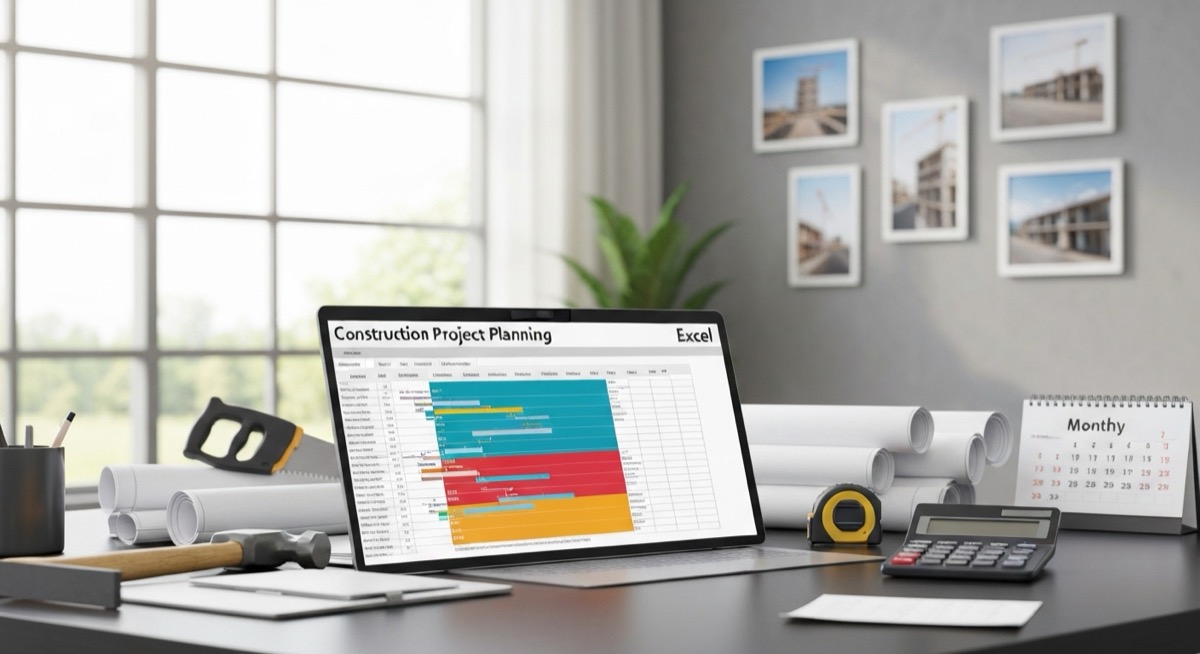
Fix and Flip Project Timeline: Plan Every Week of Your Rehab in Excel
You bought a $180,000 distressed property, budgeted $35,000 for rehab, and planned to flip it in 10 weeks. Three months later, you're still paying $1,200 monthly holding costs while your electrician waits for the plumber who can't start until the framing inspector signs off. Sound familiar?
Most flippers treat project scheduling like an afterthought. They hire good contractors, buy quality materials, then wonder why a 10-week rehab stretches to 16 weeks. The answer isn't bad luck. It's bad planning.
A fix and flip project timeline spreadsheet isn't just a nice-to-have. It's the difference between a $15,000 profit and breaking even after extra holding costs eat your margins.
The Real Cost of Poor Project Scheduling
Here's what happens when you wing it: Your contractor starts demo on Monday. Tuesday, he realizes the electrical panel needs upgrading before he can run new wire. The electrician can't come until next week. Your contractor moves to another job to stay busy. When the electrician finishes, your contractor is tied up elsewhere for three days.
Those three days cost you:
- $360 in holding costs ($1,200/month mortgage payment)
- $450 in lost opportunity (your next flip sits on the sidelines)
- Contractor scheduling premium when he finally returns
Multiply this scenario across a dozen trade dependencies, and your 10-week flip becomes a 16-week marathon. That extra 6 weeks costs $7,200 in holding costs alone, assuming you can even get your contractors back on schedule.
Compare this to flippers who map every task, dependency, and milestone in Excel before breaking ground. They know the electrician comes Thursday after the framing inspection Wednesday. Their contractors rarely sit idle. Their projects finish on time.
Why Excel Beats Project Management Software for Flippers
Dedicated project management tools sound appealing until you realize most small contractors don't use them. Your framers, plumbers, and electricians communicate via text and phone calls, not Gantt charts.
Excel works because:
- Every contractor can read a simple schedule
- You can email updates without requiring software adoption
- Financial calculations integrate with your rehab budget
- Templates work for every property type
The goal isn't sophisticated project management. It's preventing costly delays through clear communication and realistic sequencing.
Building Your Fix and Flip Timeline Spreadsheet
Start with these core columns in Excel:
| Column A | Column B | Column C | Column D | Column E | Column F |
|---|---|---|---|---|---|
| Task | Start Date | Duration (Days) | End Date | Contractor | Dependencies |
| Demo interior | 3/1/2024 | 3 | 3/4/2024 | Johnson Demo | None |
| Rough plumbing | 3/5/2024 | 4 | 3/8/2024 | ABC Plumbing | Demo complete |
| Rough electrical | 3/5/2024 | 4 | 3/8/2024 | Smith Electric | Demo complete |
Your End Date formula in column D should be: =B2+C2-1. This calculates the final day based on start date plus duration.
For tasks with dependencies, use conditional logic. If rough plumbing must finish before insulation starts, your insulation start date becomes: =IF(D2
Critical Path Analysis for Flippers
Not every task is equally important to your timeline. Painting can wait. Framing inspection cannot. Identify your critical path by tracking which delays actually push back your completion date.
Add a "Critical Path" column with this formula: =IF(AND(B2<=TODAY(),D2>=TODAY()),"ACTIVE",IF(D2. This flags which tasks need immediate attention.
Focus your daily management on "ACTIVE" and "UPCOMING" critical path items. If your rough electrical inspection gets delayed two days, every subsequent task shifts right. If your bathroom tile delivery is late, only finish work gets affected.
Contractor Coordination Made Simple
The best timeline spreadsheet prevents contractor conflicts before they happen. Create a "Weekly View" tab showing which trades work when:
| Week of | Monday | Tuesday | Wednesday | Thursday | Friday |
|---|---|---|---|---|---|
| 3/1/2024 | Demo (Johnson) | Demo (Johnson) | Demo (Johnson) | Plumbing rough-in | Electrical rough-in |
| 3/8/2024 | Insulation | Drywall delivery | Drywall hang | Drywall hang | Drywall mud |
Use Excel's conditional formatting to highlight conflicts. If two contractors are scheduled the same day in a small space, color those cells red. Your =COUNTIF(B3:F3,B3)>1 formula flags overlapping trades automatically.
Email this weekly view to all contractors every Friday. They see exactly when they're needed and can flag conflicts early.
Buffer Time and Risk Management
Every experienced flipper builds buffer time into critical milestones. Your formula should add contingency based on task complexity:
=IF(C2<=2,C21.1,IF(C2<=5,C21.2,C2*1.3)) adds 10% buffer for simple tasks, 20% for medium complexity, and 30% for complex work like full kitchen renovations.
Weather delays, permit issues, and material shortages happen. Your timeline should absorb these without derailing the entire project.
Financial Impact Tracking
Link your timeline directly to holding costs. If your monthly expenses total $2,400 (mortgage, insurance, utilities, property taxes), each day of delay costs $80.
Add a "Delay Cost" column: =IF(TODAY()>D2,(TODAY()-D2)*80,0). This calculates the financial impact of late tasks in real time.
When your flooring contractor asks for an extra week, you see immediately that this delay costs $560 in additional holding costs. Sometimes paying a premium for faster completion saves money overall.
Inspection and Permit Scheduling
Municipal inspections kill more flip schedules than bad contractors. Build inspection wait times into your timeline from day one.
Research your local building department's average turnaround times:
- Framing inspection: 3-5 business days
- Rough electrical: 2-3 business days
- Final inspection: 5-7 business days
Schedule inspection requests based on realistic lead times, not wishful thinking. If framing takes 5 days to inspect, request the inspection when framing starts, not when it finishes.
Use this formula for inspection scheduling: =WORKDAY(D2,5) schedules your framing inspection 5 working days after rough framing completes.
Material Delivery Coordination
Nothing stops progress faster than missing materials. Track delivery dates alongside labor schedules.
Create a "Materials" tab with delivery dates linked to installation tasks:
| Material | Supplier | Order Date | Delivery Date | Installation Task | Buffer Days |
|---|---|---|---|---|---|
| Kitchen cabinets | Home Depot | 3/1/2024 | 3/15/2024 | Cabinet install | 2 |
| Hardwood flooring | Lumber Liquidators | 3/5/2024 | 3/20/2024 | Floor installation | 3 |
Your cabinet installation can't start before =E2+F2 (delivery date plus buffer for acclimatization). Link this to your main timeline to prevent scheduling conflicts.
Common Timeline Mistakes Flippers Make
Mistake 1: Scheduling trades back-to-back with zero buffer. Real projects have delays. Your timeline should absorb minor setbacks without cascading effects.
Mistake 2: Ignoring contractor availability. Just because your timeline says electrical starts Monday doesn't mean your electrician is free Monday. Confirm availability before finalizing schedules.
Mistake 3: Underestimating inspection dependencies. You can't install drywall until electrical passes inspection. Your timeline should reflect actual approval sequences.
Mistake 4: Failing to communicate changes. When schedules shift, every affected contractor needs immediate notification. Delayed updates cause scheduling conflicts and idle time.
Technology Integration for Advanced Tracking
Modern flippers integrate their Excel timelines with simple mobile tools. Use Excel's mobile app to update task status from the jobsite. Share your timeline via OneDrive so contractors see real-time updates.
For photo documentation, link progress pictures to timeline milestones. Your =HYPERLINK() formula can connect task completion to timestamped photos stored in cloud folders.
Scaling Your Timeline System
Successful flippers eventually run multiple projects simultaneously. Your Excel template should standardize across properties while allowing customization for unique situations.
Create master templates for common renovation types:
- Cosmetic flip (paint, carpet, fixtures): 6-8 weeks
- Kitchen/bath renovation: 10-12 weeks
- Full gut rehab: 14-18 weeks
Each template includes realistic task durations, common dependencies, and typical contractor sequences. Customize for specific properties while maintaining proven frameworks.
Measuring Timeline Performance
Track your actual performance against planned timelines. Add columns for "Actual Start Date" and "Actual End Date" alongside original projections.
Calculate variance with: =D2-H2 where D2 is planned completion and H2 is actual completion. Negative numbers indicate early completion, positive numbers show delays.
Analyze patterns across projects. Do electrical tasks consistently run 2 days long? Is your framing contractor reliably early? Use this data to improve future timeline estimates.
Conclusion: Turn Chaos Into Profit
A fix and flip project timeline spreadsheet transforms renovation chaos into predictable, profitable execution. Instead of reacting to daily crises, you anticipate problems and prevent delays.
The math is simple: projects that finish on schedule make more money. A 10-week flip earning $15,000 beats a 16-week flip earning $8,000 after extra holding costs. Your timeline spreadsheet is the difference.
Ready to standardize your timeline planning across all your flips? The SheetCraft Flip & BRRRR Calculator includes a complete project timeline template with built-in formulas for dependency tracking, cost analysis, and contractor coordination. Stop losing money to poor scheduling and start finishing projects on time, every time.
Related template
BRRRR Deal Calculator
Model the full Buy-Rehab-Rent-Refinance-Repeat cycle. See exactly how much capital comes back at refinance — before you commit a dollar.
Get the Template — $49