Lease Expiration Tracker: Never Miss a Renewal Window With Conditional Formatting
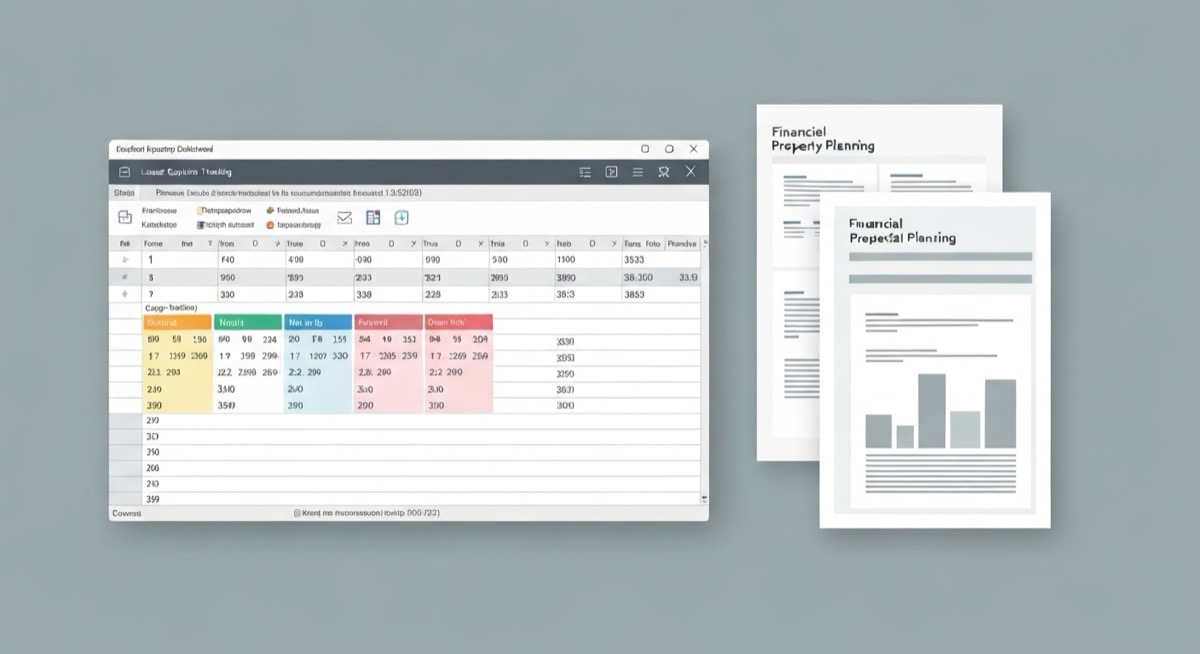
A property manager in Denver missed three lease renewals in one quarter because they were tracking expiration dates in a basic spreadsheet without alerts. Those three units sat vacant for an average of 45 days each. At $1,800 per month average rent, that's $8,100 in lost income, plus $2,400 in re-leasing costs. One Excel formula could have prevented this.
Missing lease expiration tracker Excel deadlines isn't just an organizational problem. It's a cash flow killer that compounds quickly across a portfolio. The larger your property count, the more expensive these oversights become.
The Real Cost of Manual Lease Tracking
Most landlords track lease expirations in basic spreadsheets or even paper calendars. This approach fails when you need to act 60-90 days before expiration to secure renewals or find replacement tenants. Consider these numbers:
| Portfolio Size | Vacancy Rate Without Tracker | Annual Revenue Loss | Re-leasing Costs | Total Impact |
|---|---|---|---|---|
| 5 properties | 8% | $4,320 | $1,000 | $5,320 |
| 15 properties | 12% | $19,440 | $3,600 | $23,040 |
| 50 properties | 15% | $81,000 | $15,000 | $96,000 |
These losses assume average rent of $1,800/month and 30-day average vacancy per missed renewal. The pattern is clear: manual tracking becomes exponentially more expensive as your portfolio grows.
Building an Excel Lease Expiration Warning System
The solution uses conditional formatting and date calculations to automatically flag leases requiring attention. This isn't about pretty colors. It's about preventing five-figure revenue losses.
Core Tracking Formula
Cell D4 calculates days until lease expiration: =C4-TODAY()
This formula subtracts today's date from the lease end date in column C. Positive numbers mean days remaining, negative numbers mean the lease has expired. Cell E4 determines the urgency level: =IF(D4<=30,"URGENT",IF(D4<=60,"WARNING",IF(D4<=90,"ATTENTION","OK")))
This creates four alert levels:
- URGENT: 30 days or less (immediate action required)
- WARNING: 31-60 days (begin renewal conversations)
- ATTENTION: 61-90 days (prepare renewal documentation)
- OK: More than 90 days (routine monitoring)
Conditional Formatting Rules
Apply these formatting rules to column E (Status) to create visual alerts:
- URGENT: Red background, white text
- WARNING: Orange background, black text
- ATTENTION: Yellow background, black text
- OK: Green background, white text
The conditional formatting rule for "URGENT" status: =$E4="URGENT" with red fill. Repeat for each status level with appropriate colors.
Advanced Tracking Features
Renewal Probability Calculator
Column F calculates renewal likelihood based on tenant payment history: =IF(G4="Excellent",0.85,IF(G4="Good",0.70,IF(G4="Fair",0.45,0.15)))
Payment history ratings translate to renewal probabilities:
- Excellent: 85% renewal chance (never late, no issues)
- Good: 70% renewal chance (1-2 late payments per year)
- Fair: 45% renewal chance (3-5 late payments)
- Poor: 15% renewal chance (frequent late payments)
Revenue Impact Assessment
Column H estimates potential revenue loss if renewal fails: =IF(F4<0.5,I4*2,I4*0.5)
This formula assumes tenants with below 50% renewal probability will cost two months of rent to replace (vacancy plus re-leasing costs). Higher-probability renewals only risk half a month if negotiations fail.
Action Priority Score
Column J combines urgency and revenue risk: =(91-D4)*I4*F4
This multiplies urgency (91 minus days remaining), monthly rent, and renewal probability. Higher scores demand immediate attention. Sort by this column to prioritize your renewal efforts.
Real-World Implementation Example
Here's how this system works with actual data:
| Property | Lease End | Days Left | Status | Renewal Prob | Monthly Rent | Priority Score |
|---|---|---|---|---|---|---|
| 1247 Oak St | 2026-05-15 | 13 | URGENT | 70% | $2,200 | 120,120 |
| 892 Pine Ave | 2026-06-01 | 30 | URGENT | 85% | $1,950 | 101,025 |
| 445 Elm Dr | 2026-06-30 | 59 | WARNING | 45% | $1,600 | 23,040 |
The Oak Street property tops the priority list despite lower rent because the combination of urgency (13 days) and decent renewal probability (70%) creates the highest action score. Start there.
Monthly Workflow Integration
Run this analysis on the first of each month:
- Sort by Priority Score (highest first)
- Address all URGENT items immediately
- Schedule WARNING conversations within one week
- Prepare ATTENTION documentation and market research
- Update payment history ratings based on recent performance
Preventing Common Tracking Mistakes
Date Format Consistency
Use =DATE(2026,5,15) instead of typing "5/15/2026". This prevents Excel from misinterpreting dates and breaking your calculations. The DATE function ensures your lease expiration tracker Excel formulas work regardless of regional settings.
Weekend and Holiday Adjustment
Lease end dates on weekends complicate move-out scheduling. Use =WORKDAY(C4,-1) to find the last business day before lease expiration for planning purposes.
Multiple Lease Terms
For properties with multiple lease lengths, create separate tabs or use data validation to ensure accurate tracking. A six-month lease tracked as 12-month will miss the actual expiration by half a year.
Scaling Beyond Basic Tracking
Once your portfolio exceeds 20 properties, add these columns:
- Market Rent: Current market rate for comparable units
- Rent Increase Potential:
=K4-I4(market minus current) - Renewal Strategy: "Increase", "Match", or "Reduce" based on market conditions
- Tenant Notes: Recent interactions, complaints, or positive feedback
These additions transform your tracker from a simple reminder system into a strategic renewal planning tool.
Portfolio-Level Metrics
Track these summary statistics at the bottom of your sheet:
- Average Days to Expiration:
=AVERAGE(D:D) - Total At-Risk Revenue:
=SUMIF(E:E,"URGENT",I:I)*2 - Expected Renewal Count:
=SUMPRODUCT(F:F,1)(sum of all probabilities)
Integration with Property Management
Your lease expiration tracker Excel system should connect to your broader property management workflow. Export URGENT and WARNING items to your calendar application. Set up email reminders 90, 60, and 30 days before each expiration.
For properties requiring immediate attention, add these action items to your tracking:
| Timeline | Action Required | Documentation | Expected Cost |
|---|---|---|---|
| 90 days | Market analysis | Comparable rent research | $50 (time) |
| 60 days | Tenant outreach | Renewal offer letter | $25 (postage/time) |
| 30 days | Final decision | Move-out notice if needed | $200 (legal compliance) |
| 0 days | Unit turnover | Marketing materials | $800 (cleaning, repairs, advertising) |
The total cost of proper lease management is $1,075 per unit. Compare this to $3,600+ in lost revenue from missed renewals, and the ROI becomes obvious.
Stop Losing Money to Missed Renewals
A lease expiration tracker Excel system isn't optional once you own more than three rental properties. The revenue losses from missed renewals compound quickly, and manual tracking fails at scale. The formulas above prevent five-figure mistakes for the cost of an afternoon's setup work.
But Excel tracking is just one piece of profitable rental management. If you want to analyze cash flow, calculate optimal rent increases, estimate renovation ROI, and track all your property finances in one place, you need a comprehensive system that goes beyond simple lease tracking.
The SheetCraft Rental Property Analyzer includes advanced lease management alongside complete financial analysis. It automatically calculates renewal strategies, compares market rents, tracks maintenance costs, and projects multi-year returns. Instead of building separate systems for different aspects of property management, get everything you need in one proven template that's already helped over 1,200 real estate investors make better decisions.
Your lease expiration tracker Excel spreadsheet prevents revenue losses. A complete rental analysis system helps you maximize profits from every property in your portfolio.
Related template
Rental Property Analyzer
Analyze any rental deal in 15 minutes — not 3 hours in a messy spreadsheet. Cash flow, cap rate, cash-on-cash return, and 10-year projections. All automated.
Get the Template — $49