Rehab Scope of Work Template in Excel: Make Contractors Bid Apples to Apples
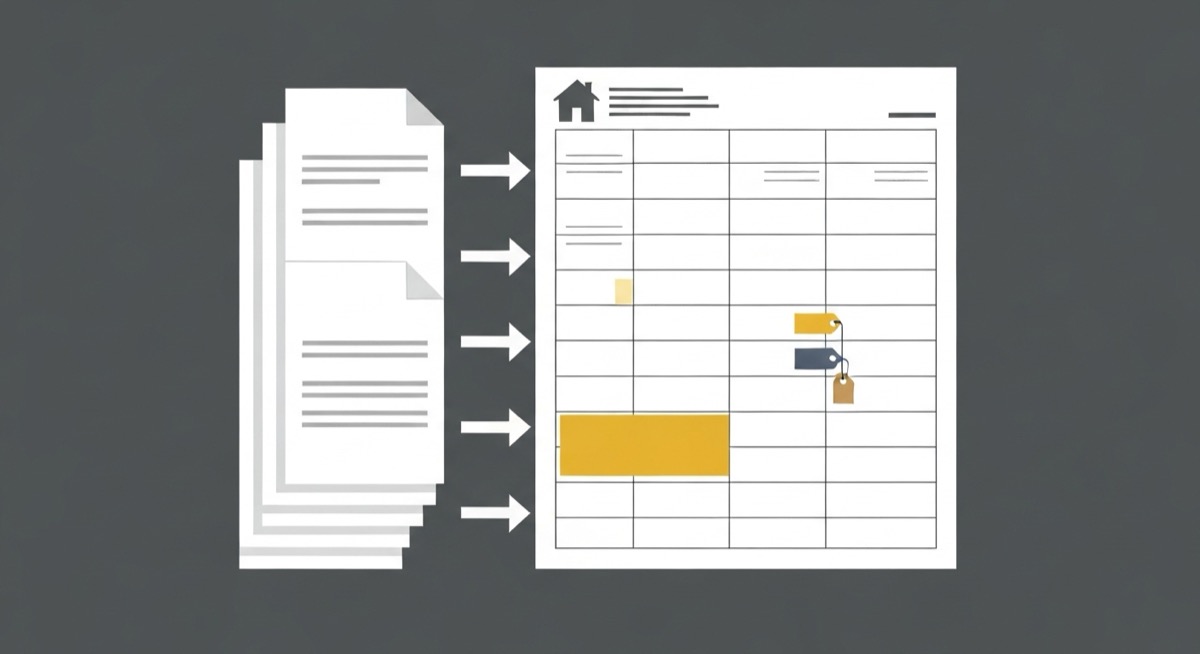
You send the same house to three contractors and get back $47,500, $58,900, and $69,000. That $21,500 spread looks like a bargain hiding in the low bid, and most flippers hire it. It is a trap. A rehab scope of work template in Excel exists to kill that trap, because the spread is almost never about who is cheap. It is about three people quietly bidding three different jobs. One left the furnace out. One priced builder-grade vinyl while another priced the luxury plank your comps actually have. One threw in a full roof you do not need. Until you write the scope down, line by line, you are not comparing prices. You are comparing guesses, and the guess you pick becomes your budget.
This article builds the scope of work and the bid comparison in one Excel file. You get the column layout that forces contractors to price the same work, the formulas that flag the line where one bid is secretly missing $8,000 of HVAC, and the change order control that keeps the number you signed from drifting 40 percent by the time you get the keys back. The goal is not a prettier spreadsheet. It is to make the low bid tell the truth before you hand it a check.
Three Bids, Three Different Jobs
Here is the flip. A 1,450 square foot three bed, two bath cosmetic-plus rehab, after repair value around $285,000, and you budgeted $55,000 for the work. Three general contractors walk it and email you a number. With no written scope, each one decides for himself what "fix up the house" means, and their number reflects the job in their head, not the job in yours.
| Trade | Contractor A ($47,500) | Contractor B ($58,900) | Contractor C ($69,000) |
|---|---|---|---|
| HVAC | Not included | New system, $8,000 | New system, $8,500 |
| Flooring | Vinyl, ~$1.79/sf | LVP, ~$3.50/sf | LVP, ~$3.60/sf |
| Roof | Partial repair, $2,500 | Partial repair, $2,800 | Full tear-off, $9,000 |
| Kitchen | Reface cabinets | New stock cabinets | New stock cabinets |
Now the $21,500 spread makes sense, and it evaporates. Contractor A is not cheap. He left the furnace out, refaced cabinets instead of replacing them, and priced the flooring buyers will walk on in a week. Add the missing HVAC and match his flooring and cabinets to the actual scope and his real number is around $57,000. Contractor C is not expensive. He is the only one who over-scoped, pricing a full roof tear-off on a roof with twelve years of life left, which is $6,500 you do not need. Strip that and he lands near $62,500. Once all three price the same job, the range collapses from $21,500 to about $5,000, and you get to choose on timeline and trust instead of on a fake discount.
The reason this matters is what happens if you skip it. You hire Contractor A at $47,500 because it protects your projected profit. Three weeks in, the inspector red-tags the dead furnace, the flooring you approved looks like a rental, and the refaced cabinets are peeling. Every one of those becomes a change order, priced with zero competition because A is the only contractor on site and he knows it. The job climbs to $66,000, which is 40 percent over the bid you signed and, not by accident, right about where honest Contractor C started. You did not save money. You paid the high number anyway, later, with no leverage, and lost a month of holding costs doing it.
The Scope of Work, Built Line by Line
The whole document is one worksheet with the scope down the left and the bids across the top. Every row is a specific task with a specific material standard, so a contractor cannot price a cheaper version of it without you seeing the swap. Lay it out with these columns:
| Column | Field | Example |
|---|---|---|
| A | Location | Kitchen |
| B | Trade | Cabinets |
| C | Scope description | Remove and haul old cabinets, install 14 LF new shaker stock cabinets |
| D | Material allowance | $3,200 |
| E | Quantity / unit | 14 LF |
| F | Contractor A bid | $4,100 |
| G | Contractor B bid | $4,400 |
| H | Contractor C bid | $4,300 |
The scope description column is where the money is protected. "Paint interior" is an invitation to spray one coat over dirt. "Two coats, walls and ceilings and trim, patch and sand all nail pops and drywall damage first, semi-gloss on trim and doors" is a task a contractor has to price honestly or openly refuse. Write every line at that grain. It feels tedious the first time and saves you a five-figure argument every time after.
The Material Allowance, the Line That Stops the Bait and Switch
Column D is the single most important habit in the sheet. When you set a dollar allowance for materials on each line, every contractor prices the same quality of stuff, and the bid becomes a labor comparison instead of a race to the cheapest fixture. Without it, the low bidder wins by quietly speccing the $89 toilet and the $1.79 flooring, then either the house shows like a rental or you eat a change order to upgrade to what the comps demand.
Compute the material portion of any line by hand so you can sanity check a contractor who is way off. Flooring is the classic. At a $3.50 per square foot material and install target across 1,450 square feet:
=E12*D12
where E12 is 1,450 and D12 is $3.50 returns $5,075. If a contractor's flooring line comes in at $2,900, he is not more efficient, he is on the $1.79 product, and the sheet shows it before you sign. Set an allowance on flooring, cabinets, counters, appliances, fixtures, and interior doors at minimum. Those are the lines contractors cut when they are trying to win on price.
The Bid Comparison That Flags the Gaps
With three contractor columns filled in, four formulas turn the sheet into a lie detector. First, total each contractor at the bottom of his column so you see the headline number the honest way, as the sum of priced lines and nothing hidden:
F42 =SUM(F5:F40)
Copy that across F, G, and H. Now compare by trade, because a $2,000 difference in a total can hide a $10,000 gap in one trade offset by an over-bid in another. Use SUMIFS keyed to the trade column so you can see exactly where two contractors disagree:
=SUMIFS(F$5:F$40,$B$5:$B$40,"HVAC")
Run that for each trade and each contractor and the HVAC row will show A at $0 while B and C sit near $8,000. That zero is your whole problem in one cell. To catch it automatically instead of scanning, put a missing-line flag next to every scope row that fires when any contractor left it blank or zero:
I5 =IF(OR(F5=0,G5=0,H5=0),"MISSING","")
A blank line is never free. It is a task somebody plans to change-order you for later. The MISSING flag makes each one announce itself while you still have three bidders competing. The last formula catches the softer problem, the line where all three priced something but priced it wildly differently, which means they read the scope three ways:
J5 =IF(MEDIAN(F5:H5)=0,"",IF((MAX(F5:H5)-MIN(F5:H5))/MEDIAN(F5:H5)>0.4,"GAP","OK"))
Any line where the high and low bid spread more than 40 percent around the median gets a GAP flag. GAP does not mean someone is wrong, it means your scope line was vague enough to read two ways, and it points you at exactly which sentence to rewrite before you award the job. Tighten that line, send it back, and the spread closes.
| Trade line | A | B | C | Flag |
|---|---|---|---|---|
| HVAC full system | $0 | $8,000 | $8,500 | MISSING |
| Roof | $2,500 | $2,800 | $9,000 | GAP |
| Flooring 1,450 sf | $2,900 | $5,075 | $5,220 | GAP |
| Interior paint | $3,600 | $3,800 | $3,700 | OK |
| Total | $47,500 | $58,900 | $69,000 |
Read the flag column top to bottom and the story writes itself. HVAC is MISSING from A, so his total is fiction. Roof is a GAP because C priced a tear-off nobody else did. Flooring is a GAP because A is on the cheap product. Paint is OK because you wrote that line tight. You now know precisely which lines to renegotiate and which to trust, and you got there in ten minutes instead of three weeks and three change orders.
Lock the Baseline, Then Watch for Drift
Once you award the job, the scope of work stops being a bidding tool and becomes your budget contract. Freeze the winning column as the baseline in its own cell, then track every change order against it so drift is a number you watch, not a surprise you discover at payoff. Sum your approved change orders and compare to the baseline:
=Baseline+SUM(ChangeOrders)
Then flag the moment cumulative changes cross a threshold you set in advance, because ten percent is where a flip's margin starts bleeding:
=IF((Current-Baseline)/Baseline>0.1,"DRIFT","OK")
When that cell turns to DRIFT you stop approving changes on feel and go back to the ARV math to decide whether the added scope still pays. This is the discipline that separates a $55,000 rehab that stays a $55,000 rehab from one that quietly becomes $77,000 while everyone was busy. The baseline you locked from a written scope is the only thing that lets you say a change order is out of budget with a straight face, because you can point to the exact line it violates.
Write the Scope Before You Ask for a Price
The order of operations is the entire lesson. Scope first, price second. Writing the scope is also what moves your estimate from a walkthrough guess to a number with a defensible error bar, which is the argument made in full in the rehab cost estimator spreadsheet. A contractor who receives a tight line-item scope of work bids the job you are actually buying, and three of them bidding the same document give you a real comparison instead of three numbers you cannot trust. A contractor who receives "come look at the house" bids the job in his head, wins on the parts he left out, and collects the difference in change orders once the competition is gone. The template is what forces the first path.
Your rehab scope of work feeds one number that decides everything else on the deal: the total rehab cost that sits between your purchase price and your after repair value. The Flip and BRRRR Calculator takes that scoped number and runs it all the way to your profit, your return on cash, and your maximum allowable offer, so the tight bid you fought for on the scope sheet turns into a go or no-go you can actually stand behind. Scope the job so contractors bid apples to apples, then drop the real rehab total into the calculator and see whether the deal was ever worth doing before you own it.
Related template
BRRRR Deal Calculator
Model the full Buy-Rehab-Rent-Refinance-Repeat cycle. See exactly how much capital comes back at refinance — before you commit a dollar.
Get the Template — $49