Construction Unit Price Contract Tracker in Excel: Bill Every Foot You Install
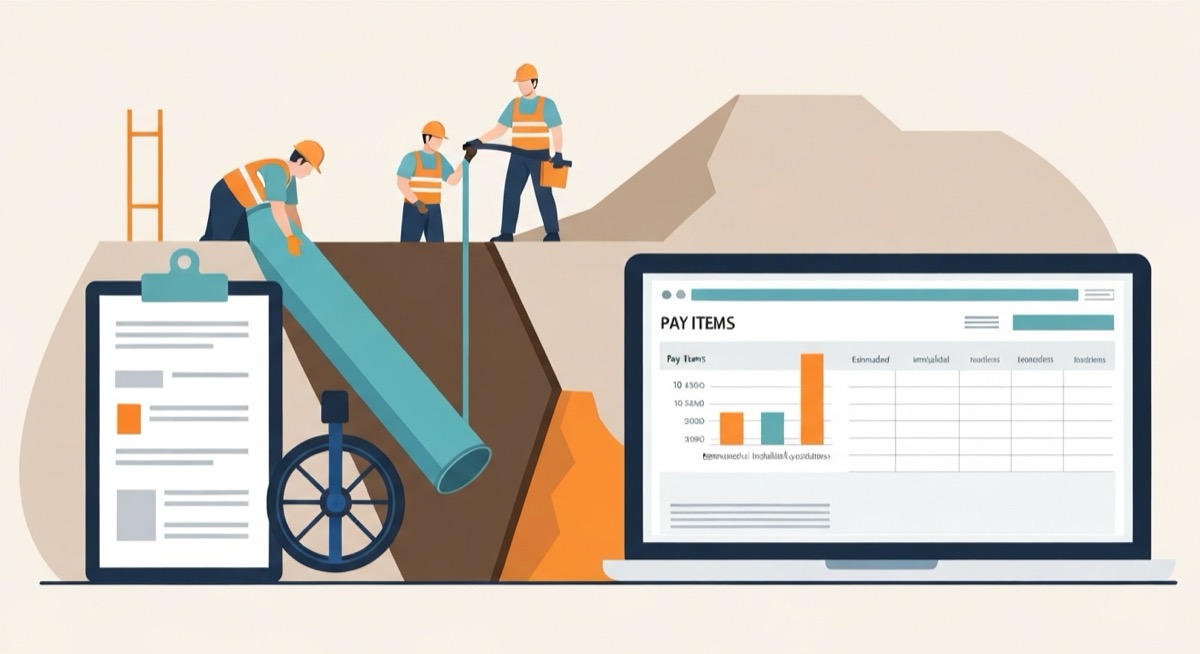
A construction unit price contract tracker in Excel is the sheet that gets you paid for the pipe you actually laid, not the pipe the engineer guessed you would lay. On unit price work, the bid schedule is built from estimated quantities: 4,200 linear feet of water main, 1,800 tons of bedding stone, 3,500 square yards of pavement restoration. Those are the engineer's numbers, and they are almost never the numbers the ground gives you. You get paid for measured quantities installed, at the contract unit price, and the gap between estimate and installed is real money that moves in both directions. Track it and you bill every foot. Ignore it and you install overruns for free.
Most contractors on unit price work never build this tracker. They bill off the schedule of values the way they would a lump sum job, mark each pay item to a rough percent complete, and let the final quantities sort themselves out at closeout. By then the field measurements are gone, the as-built is a mess, and the overrun quantities that should have been invoiced months ago get waved through at the estimated total because nobody can prove otherwise. The work was installed. The cost was spent. The revenue was left on the table. This article builds the sheet that closes that gap, pay item by pay item, so overruns get billed and underruns get seen before they wreck your cash forecast.
The Money You Install and Never Bill
Consider a site utility contractor on a $612,000 municipal water main job. Unit price contract, twenty-two pay items, standard general conditions. The crew is efficient and the job runs clean, but the ground does not read the geotechnical report. They hit more rock than the borings showed, reroute pipe around an unmarked gas service, and set deeper trench than the profile called for. Every one of those field events installs quantity above the bid estimate. Here is what happens to that overrun depending on whether the contractor tracks it.
| Pay item event | Bills off the estimate | Bills off installed quantity |
|---|---|---|
| 340 LF extra pipe at $62/LF | $0 billed | $21,080 billed |
| 220 CY extra rock excavation at $145/CY | $0 billed | $31,900 billed* |
| 250 tons extra bedding stone at $28/ton | $0 billed | $7,000 billed |
| Overrun revenue captured | $0 | $59,980 |
| Cost already spent to install it | $59,980 | $59,980 |
| Margin impact | minus $59,980 | near breakeven on the overrun |
The overrun cost the same to build either way. The crew, the excavator, the imported stone all got spent. The only variable is whether it showed up on a pay application. The contractor who bills off the estimate hands back roughly $60,000 of work he already performed, and it never appears as a loss. It appears as a job that came in on budget for revenue but ran hot on cost, a margin that landed thin for reasons nobody logged. A construction unit price contract tracker in Excel turns that $60,000 from a silent leak into a line you invoice, and the asterisk on the rock is the reason the tracker earns its keep, which the variance section below explains.
Build the Pay Item Schedule That Tracks Installed Against Bid
The tracker is one tab, formatted as an Excel Table named PayItems, with one row per bid item from the contract schedule. Do not model it. Log it. Each row carries the contract terms that never change and the field measurements that update every pay period. Use these columns.
| Column | Field | Example |
|---|---|---|
| A | Item number | 101 |
| B | Description | 8-inch PVC water main |
| C | Unit | LF |
| D | Bid quantity (engineer's estimate) | 4,200 |
| E | Contract unit price | $62.00 |
| F | Bid amount | $260,400 |
| G | Installed to date (measured, cumulative) | 4,540 |
| H | Prior period installed | 4,180 |
| I | This period quantity | 360 |
| J | Earned to date | $281,480 |
| K | This period billing | $22,320 |
| L | Quantity variance | 340 |
| M | Variance percent | 8.1% |
Column D is the estimate you bid against and it is locked for the life of the contract. Column E, the unit price, is locked too. Everything to the right of column F moves. Column G is the only number the field owns, and it has to be a measured quantity: linear feet walked with a wheel, tons off the scale ticket, cubic yards from survey, not a percent complete somebody eyeballed. The discipline that makes unit price work profitable is that column G is a fact you can defend to the engineer, because on a pay dispute the burden is on you to prove what you installed.
The Formulas That Turn Field Measurements Into Billable Quantities
With bid quantity in D, unit price in E, and installed to date in G, a handful of formulas do the whole job. Every one of them exists to answer a question you are about to be asked on a pay application.
Earned to date, the cumulative value of everything installed: =G5*E5. Installed quantity times the contract unit price. For the water main that is 4,540 feet times $62, or $281,480, which already exceeds the $260,400 bid amount because you are 340 feet into overrun. This is the number that belongs on your schedule of values, not the bid amount, and the difference is revenue you would otherwise never invoice.
This period billing, what goes on this month's pay application: =(G5-H5)*E5. Installed to date minus what you billed through last period, times the unit price. It returns $22,320 on the pipe and it is self-correcting, because if you under-measured last month, the catch-up flows automatically into this period's number instead of vanishing.
Quantity variance and variance percent, the two cells that tell you where the ground disagreed with the engineer: =G5-D5 and =(G5-D5)/D5. The pipe is 340 feet over, 8.1 percent. Positive is overrun you must submit or eat. Negative is underrun, revenue you planned on that is not coming, and it belongs in your cash forecast the day you see it, not at closeout when the shortfall is a surprise.
The overrun you have not billed yet, the leak detector: carry a billed-to-date column P and compute =J5-P5, earned to date minus what you have actually invoiced. Any positive result is installed work sitting off your pay applications. Then guard the roll-up with =SUMPRODUCT(--(PayItems[Earned to date]>PayItems[Billed to date]),PayItems[Earned to date]-PayItems[Billed to date]) so underrun items never net against overrun items and hide the fact that you are sitting on unbilled quantity. Overrun revenue only exists if it lands on a pay app, so the sheet's job is to make every dollar of it impossible to forget.
Projected final contract value, the number your project manager and your owner both want: =SUMPRODUCT(ForecastQty,PayItems[Unit price]) against the original =SUM(PayItems[Bid amount]). Put a forecast final quantity column next to installed to date, let the field project where each item lands, and the difference between projected and original contract is your quantity growth. On unit price work that growth is billed at contract prices through your normal pay applications, no change order required, which is exactly why it slips past contractors who are waiting for a change order that never comes.
The Variance Clause: When an Overrun Lets Either Side Reprice
Here is the asterisk on the rock. Most general conditions, including the EJCDC and many DOT specifications, carry a variance clause: when the actual quantity of a unit price item runs more than 15 percent above or below the estimate, either party can request an adjustment of the unit price for the quantity beyond that threshold. The logic is fixed cost recovery. Your unit price carried a share of mobilization, equipment moves, and overhead spread across the estimated quantity. A large overrun means those fixed costs are recovered long before the last unit, so the owner can ask for a lower price on the excess. A large underrun means you never recovered them, so you can ask for a higher price on what remains.
The rock item is the case that matters. Bid at 300 CY, installed at 520 CY, that is a 73 percent overrun, far past the 15 percent line. You cannot assume all 220 extra yards bill at $145. The tracker has to split the overrun into the part that bills clean and the part that is up for negotiation.
Quantity that bills at the contract price, up to the 115 percent threshold: =MAX(0,MIN(G5,D5*1.15)-D5). For the rock that is 45 CY, the band between the 300 estimate and the 345 threshold, and it invoices at $145 with no argument. Quantity above the threshold, subject to repricing: =MAX(0,G5-D5*1.15), which returns 175 CY. Those 175 yards still get paid, but the price is a conversation, and the sheet flags it so you open that conversation with the engineer before you install them, not after.
Grade every row automatically so the flag reads itself: =IF(ABS(M5)>0.15,IF(M5>0,"OVERRUN: REPRICE","UNDERRUN: REPRICE"),"AT PRICE"). Anything inside 15 percent bills at the contract unit price and needs no action. Anything past it, in either direction, is a pricing event with real money attached. On the water main job that flag fires on the rock overrun and on the pavement restoration, where the city extended an adjacent paving contract and your 3,500 square yard item installed at 2,900, a 17 percent underrun. That underrun is your opening to request a higher unit price on the restoration you did perform, because your fixed cost was spread across 3,500 yards and you only got to bill 2,900.
Read the Sheet Before You Submit the Pay Application
The tracker earns its money in the fifteen minutes before you send the monthly pay app. Run this checklist against it every period.
- Every installed quantity is a measured fact. If column G came from a percent complete instead of a wheel, a scale ticket, or a survey, the engineer can reject it and you lose the billing until next month.
- No overrun sits unbilled. Any row where earned to date runs above what you have invoiced is money you performed and did not collect. Bill it this period, not at closeout.
- Every REPRICE flag has a paper trail. An item past the 15 percent threshold needs a written request to the engineer before the excess quantity is installed, or you argue price after the fact from the weak side.
- Underruns are in the cash forecast. A negative variance is revenue that is not coming. Catch it early and you adjust the forecast. Catch it at closeout and it is a hole.
- The trade descriptions match the contract exactly. If your log says "8-inch main" and the pay schedule says item 101, your quantities will not tie to the engineer's and every pay app becomes a fight.
Where the job actually lands is the number this whole sheet produces. Original contract $612,000. Projected final, after pipe overrun, rock overrun, bedding stone overrun, and the pavement underrun, roughly $643,000, with about $28,000 of that hanging on the two repricing conversations you now know to have. Without the tracker, that job closes at or below $612,000 because nobody submitted the overruns, and $31,000 of installed work disappears into a thin margin nobody can explain.
Track It Where the Budget Already Lives
A standalone unit price tracker works right up until it drifts away from the budget it is supposed to explain, because installed quantities only mean something next to the labor, equipment, and material cost you spent to install them. An overrun you billed at $145 a yard is a win or a loss depending entirely on what that rock cost you to dig, and a separate spreadsheet cannot tell you which. The SheetCraft Construction Budget Tracker carries the pay item schedule in the same workbook as your committed costs, your cost codes, and your projected margin, so the moment you log an installed quantity it rolls into that item's earned revenue and its cost-to-complete at the same time. You see the overrun you still need to bill, the underrun eating your cash forecast, and the repricing flags with real dollars attached, all against the cost you actually spent. Track the quantities where the money already lives, and the work you install stops being work you install for free.
Related template
Construction Budget Tracker
Track every line item, change order, and payment across your entire project. Spot a $23K billing discrepancy before it hits your bottom line — not after.
Get the Template — $49