The Landlord Rent Ledger Template in Excel That Wins Eviction Cases
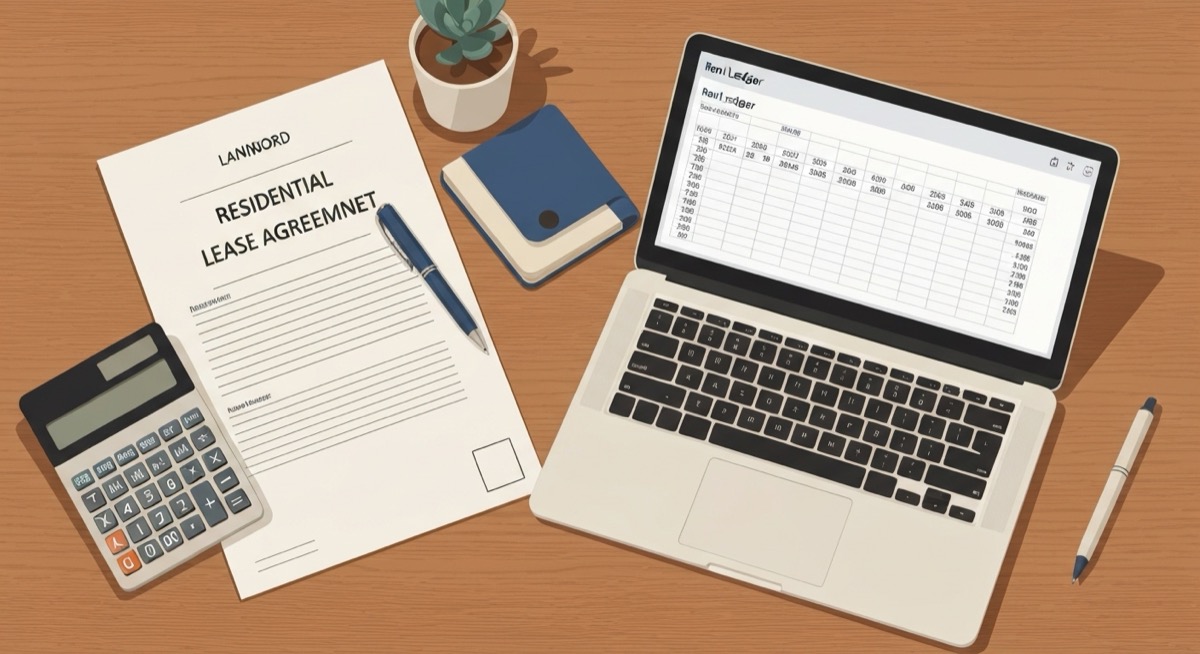
Your tenant is three months behind. You filed to evict, you show up to court with a folder of text messages and a mental note that "she paid something in March," and the judge asks one question: how much does she owe, and how did you get to that number? If your answer is a story instead of a record, you can lose a case you should win. A landlord rent ledger template in Excel is the document that answers that question in one line. It shows every charge, every payment, and a running balance the court can follow without taking your word for anything.
Most landlords treat rent tracking as bookkeeping. It is not. It is evidence. The tenant who stops paying is the same tenant who will tell the judge she paid cash you never recorded, or that you never told her about the late fees, or that the number you are demanding is invented. A clean ledger kills all three arguments at once. This is how you build one that holds up.
Why Bank Statements and Text Messages Lose in Court
The cost of a missing ledger is not abstract. An uncontested eviction in most states takes 30 to 60 days. A contested one, where the tenant disputes the amount owed, can stretch past 90 days while you collect zero rent and pay filing fees, service fees, and often an attorney. On a $1,650 unit, three extra months of delay plus $600 in court costs is over $5,500 of preventable loss. The thing that turns a fast eviction into a slow one is a landlord who cannot prove the number.
Bank statements feel like proof, but they fail for a specific reason. A deposit of $1,000 on a $1,650 unit does not tell the court whether that was a partial rent payment, a late fee payment, a security deposit refund, or money for a different unit. The court needs to see how each dollar was applied. Text messages are worse. "I'll get you the rest Friday" is not a payment record, it is a promise, and promises do not reconcile to a balance.
Here is the difference in plain terms:
| What you bring to court | What the judge can verify | Result when the tenant disputes the amount |
|---|---|---|
| Bank statements | Money moved, not what it paid for | Continuance while you reconstruct the math |
| Text messages and memory | Nothing enforceable | Case weakened, amount reduced or dismissed |
| A dated rent ledger with running balance | Every charge, payment, and the balance on any date | Judgment for the full amount |
What Belongs in a Defensible Rent Ledger
A rent ledger is one running list per tenant, in date order, where every line is either a charge that increases what they owe or a payment that reduces it. The magic is the running balance column, because it means you never have to add anything up in your head or in front of a judge. The balance on the day you filed is sitting right there on the row for that date.
Keep one sheet per tenant, or one clearly filtered block per tenant if you run a small portfolio. Do not mix tenants in a single running balance, because the moment you do, the balance becomes meaningless. Here is the column layout that works:
| Column | Header | Input or formula |
|---|---|---|
| A | Date | Date of the charge or payment |
| B | Description | "Rent - August", "Payment", "Late fee", "NSF fee" |
| C | Charge | Amount added to what the tenant owes |
| D | Payment | Amount received from the tenant |
| E | Method | Cash, check, Zelle, money order |
| F | Running balance | =F2+C3-D3 |
The Running Balance Is the Whole Point
The running balance in column F is the one formula that makes the ledger defensible. On the first data row you seed it with the opening balance, then every row after carries the prior balance forward, adds any new charge, and subtracts any payment:
=F2+C3-D3
Read that in business terms: yesterday's balance, plus anything new they were charged today, minus anything they paid today. A positive number means the tenant owes you. A zero means they are current. You copy that formula down the entire column, and the balance recalculates itself every time you add a line. When you filed to evict on the 6th, you scroll to the row dated the 6th and the balance in column F is exactly what you claim in the complaint. No mental math, no reconstruction, no continuance.
Partial Payments Are Where Landlords Lose Track
The tenant who pays $800 against a $1,650 rent is the tenant who ends up in court, and the partial payment is the exact thing sloppy records mishandle. In a running-balance ledger it is trivial. The $1,650 rent charge is one line, the $800 payment is a separate line the same week, and column F shows the $850 still open. You never overwrite the rent charge to "net" the payment, because the court needs to see both the full obligation and what was actually paid against it.
Building the Ledger in Excel
Start with a small header block above the transactions so the sheet identifies itself. Put the tenant name in B1, the unit in B2, the lease start in B3, and the monthly rent in B4. That last cell matters, because you will reference it so you are not retyping the rent amount every month and risking a typo that a tenant's attorney will happily point out.
For the monthly rent charge, instead of hand-keying 1650 every month, pull it from the header so it is always consistent:
=$B$4
To total what has ever been charged and what has ever been paid, use column sums that ignore the header rows. If your transactions run from row 8 down, put these in a summary area:
| Metric | Formula | What it tells you |
|---|---|---|
| Total charged | =SUM(C8:C500) | Everything the tenant has ever owed |
| Total paid | =SUM(D8:D500) | Everything the tenant has ever paid |
| Current balance | =SUM(C8:C500)-SUM(D8:D500) | What they owe right now, the number you sue for |
The current balance from the summary should always match the last value in your running balance column. That is your built-in check. If they disagree, you fumbled a formula and you catch it at your desk instead of at the podium.
Automate the Late Fee So It Is Never a Surprise
Late fees get thrown out when the landlord cannot show the fee was applied consistently and on time. Let the sheet decide, not your mood. Say rent is due the 1st and your lease allows a $75 late fee after the 5th. In a helper cell next to the rent charge, flag whether the payment landed in time:
=IF(D9=0,"LATE FEE DUE","PAID ON TIME")
To count how many days past the due date a payment came in, subtract the due date from the payment date:
=A9-DATE(2026,8,1)
If that result is greater than 5, the $75 fee is justified and you add it as its own line in the ledger. Applied the same way every month, on the same schedule, the late fee stops being something a tenant can argue was arbitrary retaliation. It becomes a term of the lease you enforced by the book.
A Worked Example the Court Can Follow
Here is a real sequence for a tenant on a $1,650 unit who slid from current to eviction over three months. This is the block you would print and hand up:
| Date | Description | Charge | Payment | Running balance |
|---|---|---|---|---|
| Aug 1 | Rent - August | $1,650 | $1,650 | |
| Aug 3 | Payment - Zelle | $1,650 | $0 | |
| Sep 1 | Rent - September | $1,650 | $1,650 | |
| Sep 9 | Payment - partial | $800 | $850 | |
| Sep 10 | Late fee | $75 | $925 | |
| Oct 1 | Rent - October | $1,650 | $2,575 | |
| Oct 6 | Late fee | $75 | $2,650 |
When you file on October 6, the complaint says the tenant owes $2,650, and the ledger's last row says $2,650. The judge sees the August rent paid in full and on time, so you look reasonable rather than predatory. The judge sees the September partial payment credited exactly as the tenant would remember it, so the tenant cannot claim you ignored their money. The judge sees two late fees applied on a fixed schedule, so they read as lease enforcement, not punishment. Every number reconciles. There is nothing to argue about except the fact that the tenant did not pay.
Three Mistakes That Get a Ledger Thrown Out
- Editing history instead of adding lines. When a payment comes in, never go back and change the rent charge to a smaller number. Add a payment row. A ledger that shows only net figures looks reconstructed, and reconstructed records invite the question "when did you actually write this?" Append-only entries in date order read as contemporaneous, which is exactly what a court wants.
- Recording deposits as rent. A security deposit is not rent and it is not income you can sue for as unpaid rent. Keep it off the rent ledger entirely, or on a clearly separate line labeled as a deposit that does not flow into the running balance. Blending the two is how landlords accidentally overstate the balance and hand the tenant a reason to challenge the whole document.
- Untracked cash. The tenant who pays cash and gets no receipt is setting up the "I paid and he never recorded it" defense. Log every cash payment the day it happens, note the method in column E, and give a receipt. An unlogged cash payment is a hole in your running balance, and a hole is all a tenant's attorney needs.
Build It Once, Defend It Every Time
A rent ledger is not paperwork you do after the fact when trouble starts. It is the record you keep from day one so that when trouble starts, the hard part is already done. Set up the columns, seed the running balance, reference the rent from a header cell, and add a line every time money is charged or paid. Do that and the difference between a 30-day eviction and a 90-day fight is a spreadsheet you already have open.
If you would rather not wire up the running balance, late fee logic, and summary checks by hand across every unit you own, the SheetCraft Rental Property Analyzer ships with a per-tenant rent ledger already built, the running-balance formula in place, late fees that flag themselves, and a portfolio view that rolls every tenant's current balance into one number. You track payments as they come in, and the day you ever need to walk into court, the document that wins is already sitting on the correct row. Start with a ledger you can defend, before you are the landlord improvising in front of a judge.
Related template
Rental Property Analyzer
Analyze any rental deal in 15 minutes — not 3 hours in a messy spreadsheet. Cash flow, cap rate, cash-on-cash return, and 10-year projections. All automated.
Get the Template — $49