The Rental Property RUBS Calculator in Excel That Stops Utilities From Eating Your Cash Flow
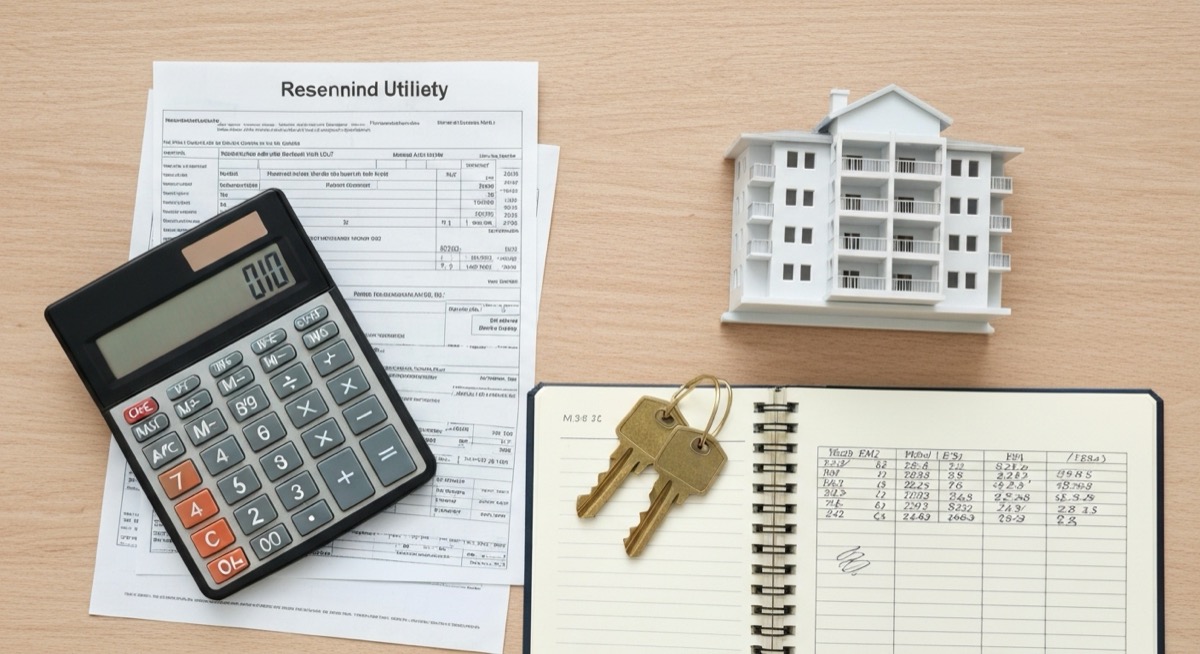
You own an eight-unit building. One water and sewer bill shows up every month with your name on it, because the property is master-metered, and you pay all of it. Your tenants run the tap, water the lawn, and ignore the toilet that has been running since March, because none of it costs them a cent. That bill is not really a utility expense. It is a subsidy you are paying your tenants, and it comes straight off your net operating income. A rental property RUBS calculator in Excel is how you stop writing that check.
RUBS stands for Ratio Utility Billing System. It is the method landlords use to allocate a shared, master-metered utility bill back to tenants when installing individual meters is not practical. There is a right way to do it and a lazy way. The lazy way, splitting the bill evenly by unit count, is how you end up with a fairness complaint from the single tenant in a studio who got charged the same as the family of five next door. The right way weights each unit by how much it actually drives the bill, documents the method in the lease, and holds up if a tenant challenges it. This article builds the right way in Excel, with the formulas and the legal guardrails that keep it defensible.
What Master-Metering Actually Costs You
Run the numbers before you decide whether this is worth an afternoon. Take that eight-unit building with a combined water, sewer, and trash bill of $1,240 a month. That is $14,880 a year you pay off the top, every year, with no way to pass it on unless you build a system to do it.
Now capitalize it. Net operating income is what a building sells at a multiple of. If your market trades at a 6.5% cap rate, every dollar of annual NOI you recover is worth about $15 in sale price. Recover $12,000 a year of that utility bill and you have not just improved cash flow by a thousand dollars a month. You have added roughly $185,000 to the value of the building, since =12000/0.065 is about 184,600. That is the real reason operators care about RUBS. It is not the monthly savings. It is that recovered utility cost gets capitalized straight into the asset.
There is a second effect that shows up within six months. When water stops being free, consumption drops. Tenants report the running toilet, stop leaving the hose on, and shorten their showers. Operators consistently see usage fall 20 to 30% after billing begins, which means your remaining share of the bill shrinks too. The subsidy was never just the dollars. It was the waste the free ride encouraged.
RUBS Versus Submetering Versus Doing Nothing
You have three choices for a master-metered building. Only two of them recover money, and they recover it in very different ways.
| Approach | Upfront cost | Annual recovery | Year-one net | Precision |
|---|---|---|---|---|
| Do nothing | $0 | $0 | -$14,880 | n/a |
| Submeter every unit | ~$6,400 ($800/unit) | ~$14,100 (95%) | +$7,700 | High, bills actual usage |
| RUBS in Excel | $0 | ~$12,650 (85%) | +$12,650 | Medium, bills by ratio |
Submetering is the precise option. You install a meter on each unit and bill actual gallons, which is the fairest system there is. It also costs six to nine thousand dollars for a small building, takes weeks to install, and adds a monthly meter-reading and billing fee per unit forever. It pays back, but not in year one.
RUBS wins on year-one cash because it costs nothing to start. You are trading a little precision for zero capital outlay. For most small multifamily owners with four to twenty units, RUBS is the correct first move, and submetering is something you consider later at a major renovation when the walls are already open. Doing nothing is the only wrong answer, and it is the default most owners land on, because they never sat down and built the allocation model.
The Allocation Formula That Holds Up
The entire credibility of a RUBS bill rests on the ratio you choose. Pick a method that reflects real consumption and you can defend every charge. Pick a lazy one and you invite disputes you will lose.
There are three common ratios:
- Per-unit flat split. Divide the bill by the number of units. Simple, and the least defensible, because it ignores that a studio with one person uses a fraction of what a three-bedroom with a family of five uses. Avoid this.
- Occupancy-based. Allocate by the number of people in each unit. Water use is driven by bodies more than by floor area, so this tracks real consumption well and is the most widely accepted method.
- Square-footage-based. Allocate by unit size. Useful when occupancy is hard to verify, or when the utility is tied to the space itself, like common-area heating.
The strongest approach for water and sewer is a blend, usually weighting occupancy more heavily than square footage, so a large but lightly occupied unit does not get overcharged and a small but crowded one pays its real share. And before you allocate anything, you subtract a common-area and loss factor off the top. That covers irrigation, the laundry room, leaks in shared lines, and the units sitting vacant. Billing tenants 100% of the meter is both unfair and, in several states, illegal. A deduction of 10 to 25% is standard.
Building the RUBS Calculator in Excel
Lay the model out in two parts: an inputs block at the top and a unit allocation table below it. Enter the raw bill and your factors once, list your units, and let the formulas produce each tenant's charge.
Set Up the Inputs and the Loss Factor
Put the bill and your assumptions in a small block at the top:
| Cell | Input | Example |
|---|---|---|
| B2 | Water and sewer bill | 1,180 |
| B3 | Trash bill | 60 |
| B4 | Total utility bill | =B2+B3 gives 1,240 |
| B5 | Common-area and loss factor | 15% |
| B6 | Amount allocable to tenants | =B4*(1-B5) gives 1,054 |
Cell B6 is the number you actually split. The 15% you held back in B5 is the owner's share, the part that pays for the vacant units and the sprinkler system that no single tenant should fund. Never allocate more than B6.
Allocate by Occupancy, Square Footage, or a Blend
Below the inputs, build the unit table starting at row 10. Give each unit a row with its occupant count, square footage, and an occupied flag, using 1 for occupied and 0 for vacant. Here is the example building, already scored, using a blend of 60% occupancy and 40% square footage:
| Unit | Occupants | Sq Ft | Occupied | Monthly charge |
|---|---|---|---|---|
| 101 | 1 | 620 | 1 | $86.80 |
| 102 | 4 | 950 | 1 | $230.53 |
| 103 | 2 | 720 | 1 | $133.94 |
| 104 | 3 | 950 | 1 | $190.98 |
| 201 | 2 | 620 | 1 | $126.32 |
| 202 | 1 | 720 | 1 | $94.41 |
| 203 | 3 | 950 | 1 | $190.98 |
| 204 | 0 | 720 | 0 | $0.00 |
| Total | 16 | 5,530 | $1,054 |
The engine behind that table is four formulas. First, total up the occupants and the square footage of the occupied units only, so vacant units never pull a share. Put these totals in row 20, with occupants in B and square footage in C:
Total occupants: =SUMPRODUCT(B10:B17,D10:D17) returns 16. Total square footage: =SUMPRODUCT(C10:C17,D10:D17) returns 5,530. Multiplying by the occupied flag in column D is what zeroes out the vacant unit without you having to delete its row.
Next, in the unit rows, convert each unit into its two weights and blend them. For unit 101 in row 10, with occupants in B10, square footage in C10, and the occupied flag in D10:
- Occupancy weight in E10:
=IF(D10=1,B10/$B$20,0) - Square-footage weight in F10:
=IF(D10=1,C10/$C$20,0) - Blended share in G10:
=0.6*E10+0.4*F10 - Monthly charge in H10:
=$B$6*G10
Drag those four down through row 17 and every unit is priced. The blended share weights bodies at 60% and floor area at 40%, which is why unit 102, with four people, carries the biggest bill even though it is not the only 950-square-foot unit. Change the 0.6 and 0.4 to 0.5 and 0.5 and you have a pure half-and-half blend. Set the occupancy weight to 1 and the square-footage weight to 0 and you have straight occupancy billing. The model flexes to whatever method your state allows.
Guardrails So You Never Over-Bill
A RUBS model that quietly bills tenants more than the actual utility cost is a lawsuit waiting to happen. Add three checks at the bottom so the spreadsheet catches the mistake before the tenant does.
Total billed, in H20: =SUM(H10:H17). This should land on B6 to the penny, because you allocated exactly the allocable amount. Over-billing flag: =IF(SUM(H10:H17)>B4+0.01,"OVER-BILLING, FIX","OK"). If the total charged ever exceeds the real bill in B4, this fires, and you stop before you send a single invoice. Recovery rate: =SUM(H10:H17)/B4, which reads 85% here, the mirror image of your 15% loss factor. Add one more line for the jurisdictions that cap recovery: =IF(SUM(H10:H17)/B4>0.9,"CHECK STATE CAP","OK"). If you ever dial the loss factor below 10%, this reminds you to confirm your state allows it before you push your luck.
Staying Legal and Keeping Tenants
RUBS is legal in most of the United States, but it is regulated, and the rules are local. Texas requires specific deductions for common areas and vacant units and caps the administrative fee you can add. California allows RUBS but layers on disclosure requirements, and newer construction there often must be submetered outright. Several cities require submetering for new buildings. Before you send the first bill, read your state utility commission rules and your city ordinance. The model does not change. The loss factor and the cap flag do.
Three practices keep a RUBS program out of trouble:
- Disclose the method in the lease before the tenant signs. A utility charge that appears mid-lease with no lease language behind it is the one that gets challenged and often voided. Spell out the ratio, the loss factor, and how the bill is calculated.
- Do not profit on the utility. Many states bar you from billing tenants more than the actual cost. Your recovery target is the tenants' fair share of the real bill, not a markup. If you want to charge for the administrative work, add a small flat, disclosed fee, rather than inflating the allocation.
- Bill every unit on the same formula, every month. Consistency is what turns a RUBS charge from an arbitrary fee into a documented policy. The spreadsheet gives you that, because the same four formulas run on every unit whether it holds one tenant or five.
The Bottom Line
Master-metering is a slow leak. On the eight-unit example, doing nothing costs $14,880 a year and drags the building's value down by roughly $185,000 against a submetered comparable. A RUBS calculator recovers about 85% of that for the price of an afternoon in Excel and no capital at all. Build the inputs block, hold back a 10 to 25% common-area factor, allocate the rest on a blended occupancy and square-footage ratio, add the over-billing and cap guardrails, disclose it all in the lease, and bill it the same way every month.
The RUBS model tells you what to bill each tenant. What it does not tell you is what that recovered income does to the property as a whole. That is the next question, and it is the one that decides whether RUBS alone is enough or whether the numbers justify submetering at your next renovation. Drop the recovered utility income into the SheetCraft Rental Property Analyzer and it flows straight through to your net operating income, cap rate, cash-on-cash return, and estimated value, sitting in the same workbook that already tracks your rent roll and expenses. You will see the thousand dollars a month land as $185,000 of value, and you will know, on numbers instead of instinct, whether you have fixed the leak or just slowed it down. Stop subsidizing your tenants' water and start billing it back on a ratio you can defend.
Related template
Rental Property Analyzer
Analyze any rental deal in 15 minutes — not 3 hours in a messy spreadsheet. Cash flow, cap rate, cash-on-cash return, and 10-year projections. All automated.
Get the Template — $49